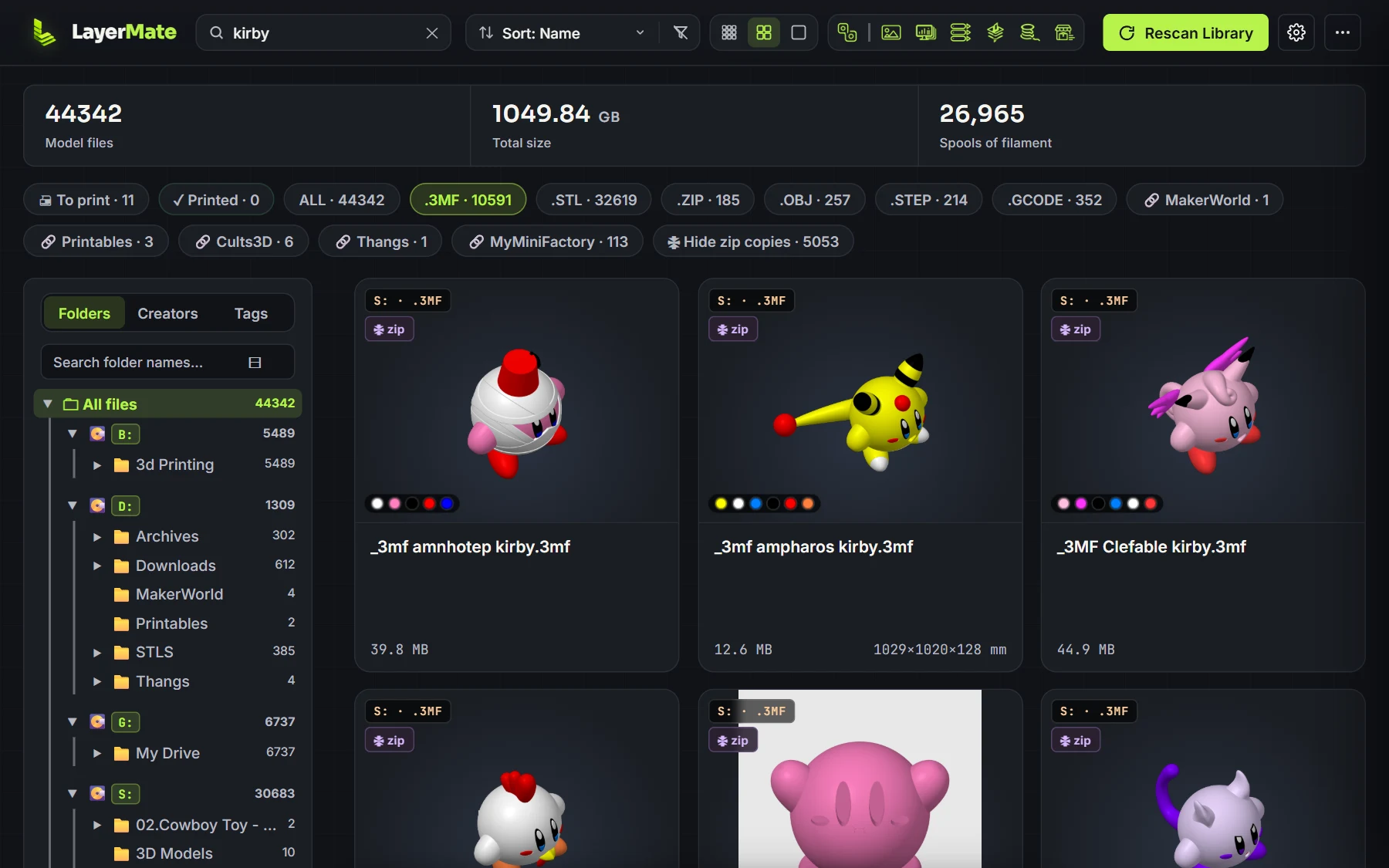
Find anything
Search your whole collection without digging through folders. Sort by creator, tag or folder, and filter by file type.
LayerMate turns thousands of scattered 3D-print files into one searchable, organised library.
Don't have time now? We'll send the download link to your email.
Try free for 7 days. The trial version doesn't include add-ons.
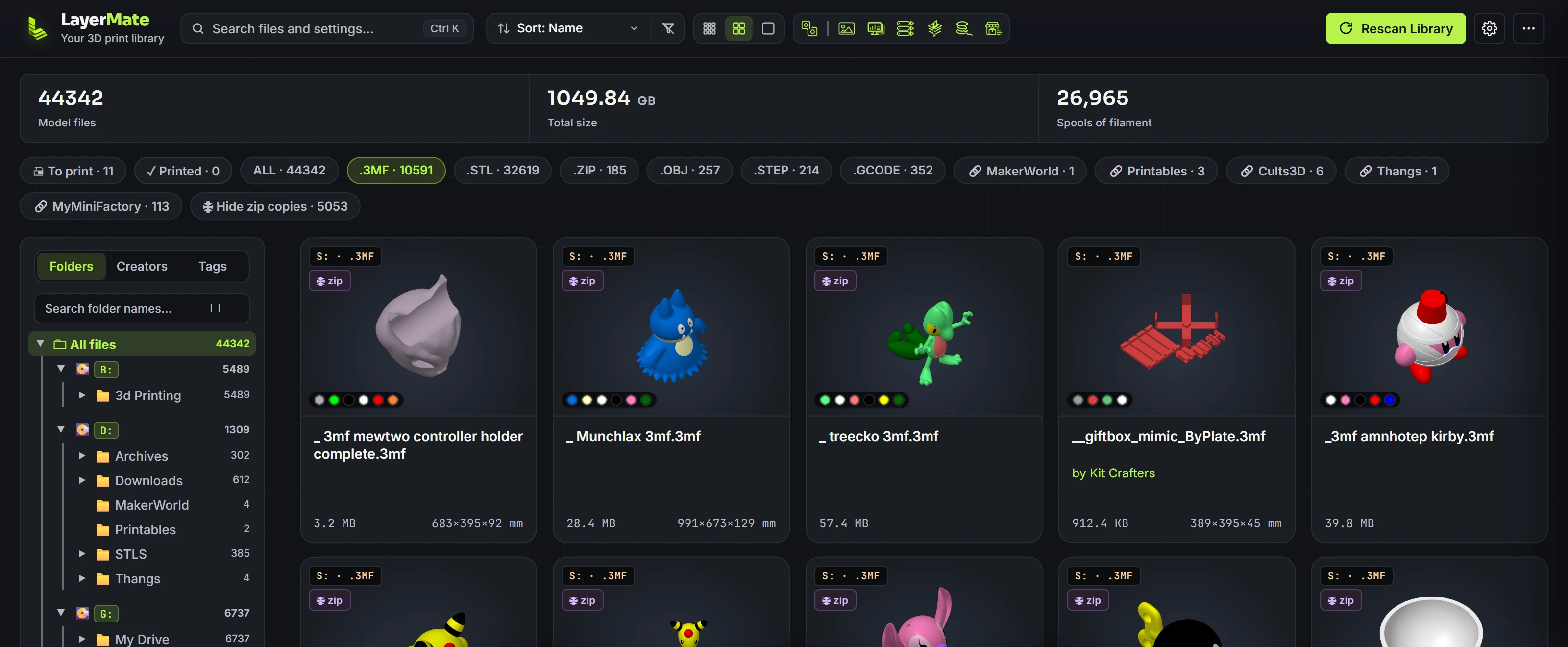
Want a quick look first? See it in your browser. Files stay on your computer and nothing is uploaded.
Stop remembering where you saved something. Search for dragon, flexi, vase or helmet, or whatever you remember about the model.
Search your whole collection without digging through folders. Sort by creator, tag or folder, and filter by file type.
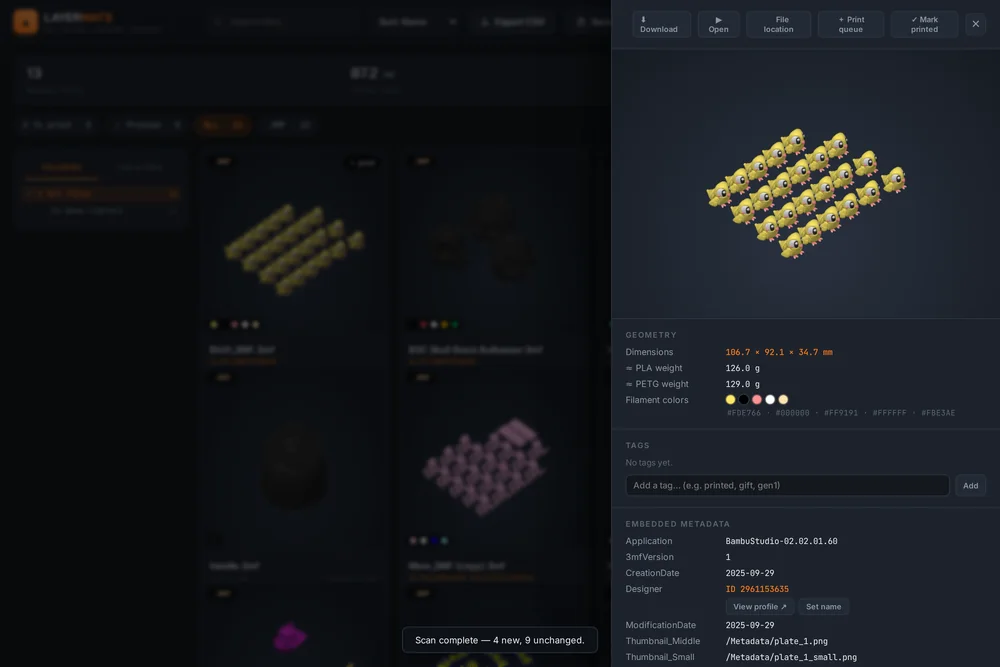
See the model, not the filename, with real multi-plate 3MF support. LayerMate reads inside .zip files, including nested zips.
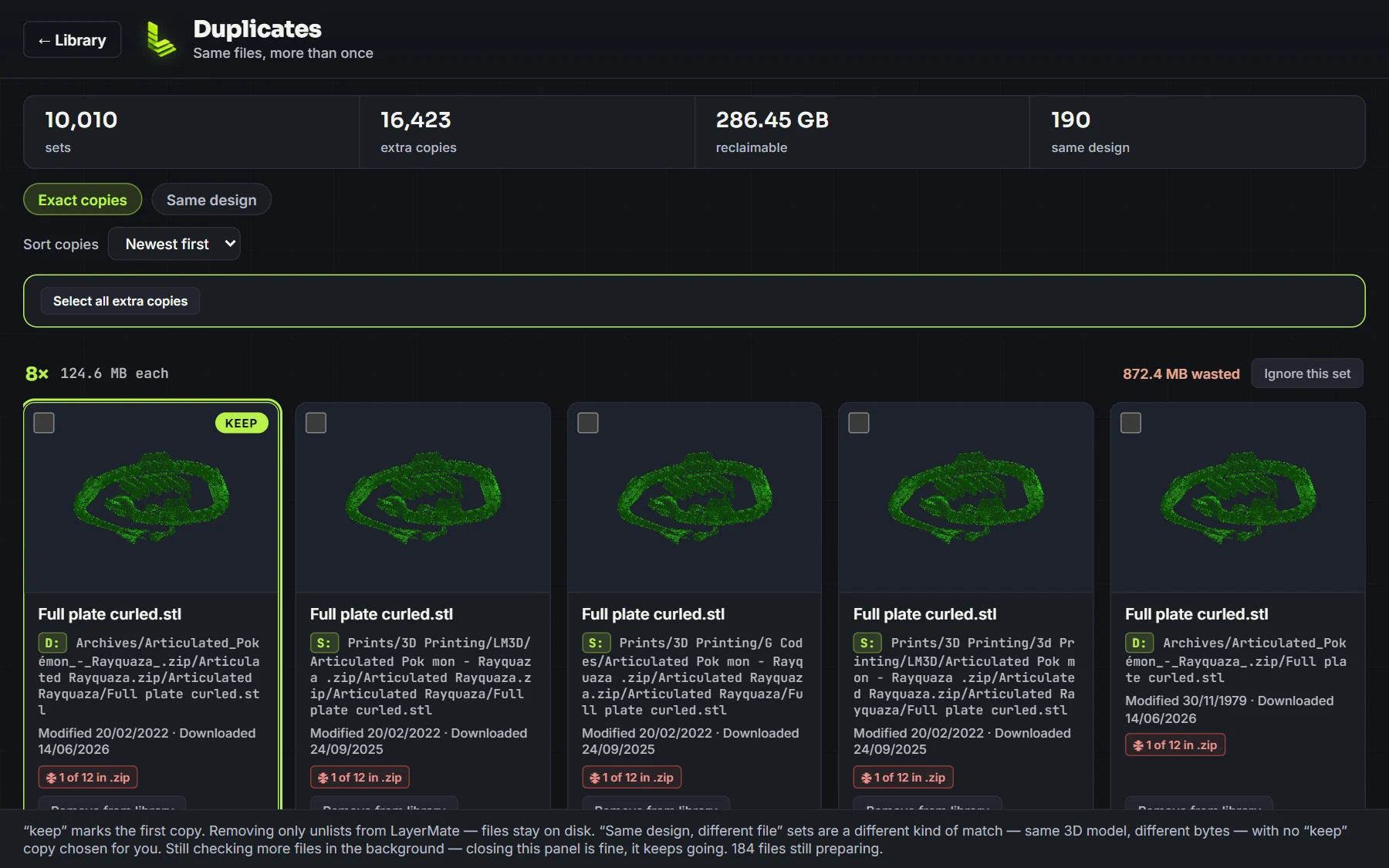
Matches files by their actual contents, so renamed or re-downloaded copies still get caught.
STL, OBJ, 3MF and G-code work out of the box. STEP/STP is optional, turned on in Settings.
A file format missing? Let us know and we'll add it.
Optional add-ons live in Settings → Add-ons. Turn on the ones you use and leave the rest off.
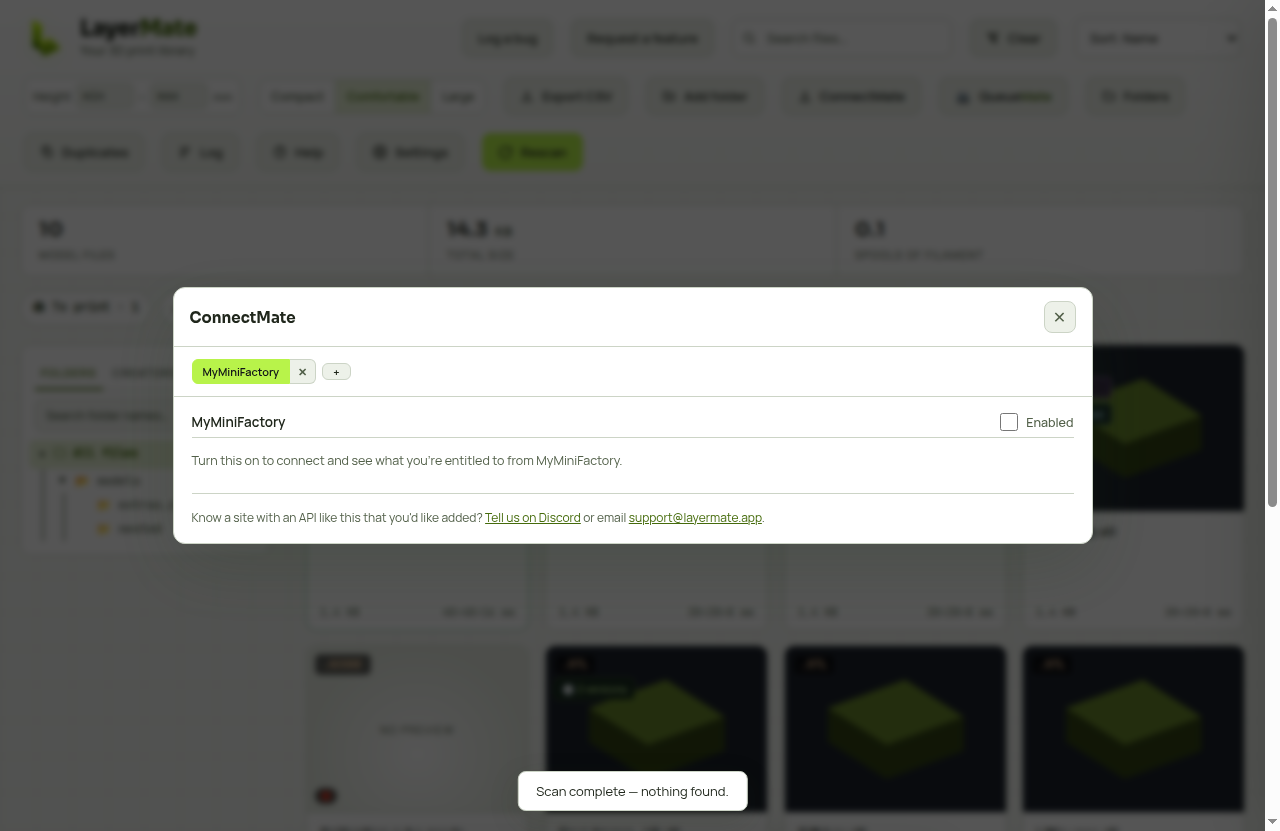
Reach your library in a web browser from a phone, tablet or another PC on your home network. Use NAS and network folders, and bring in models from design sites.
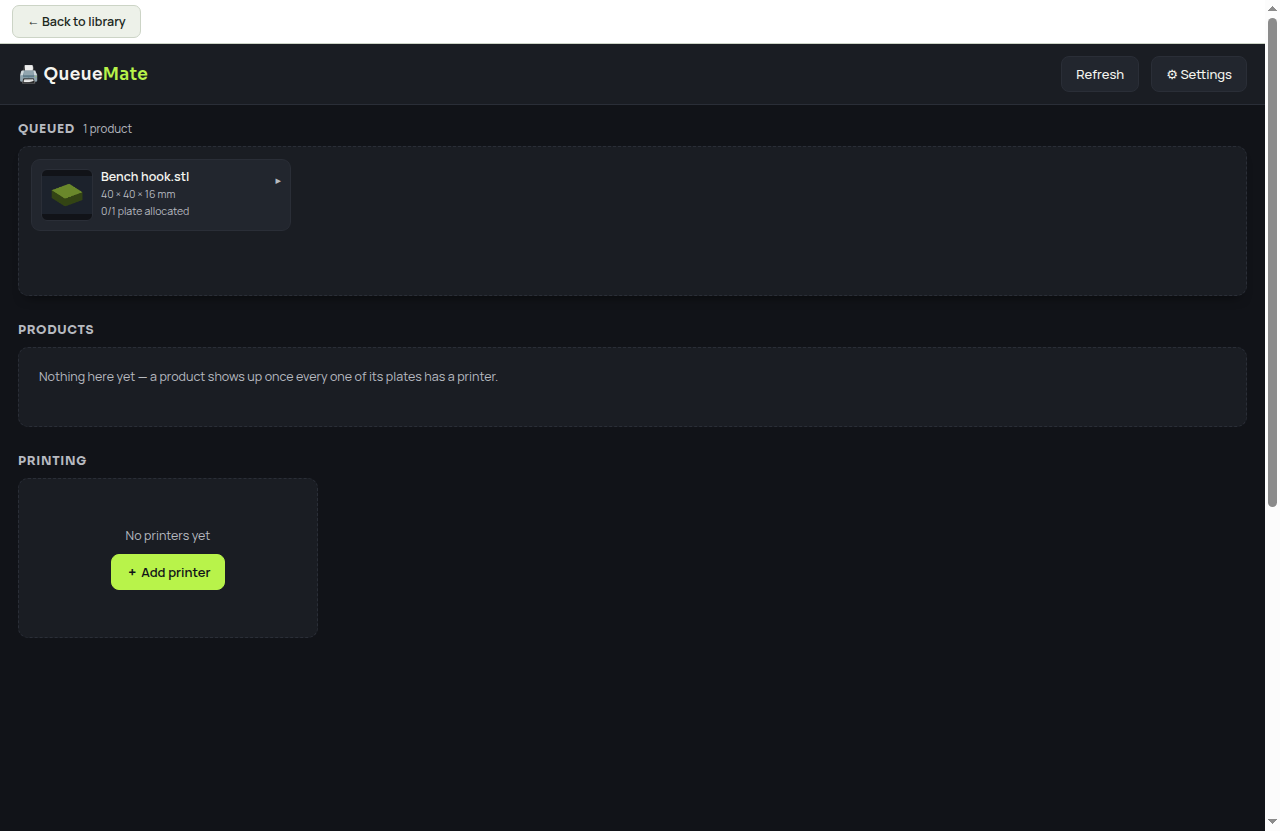
A print queue board with per-printer queues. Put jobs in order and open files straight in your slicer.
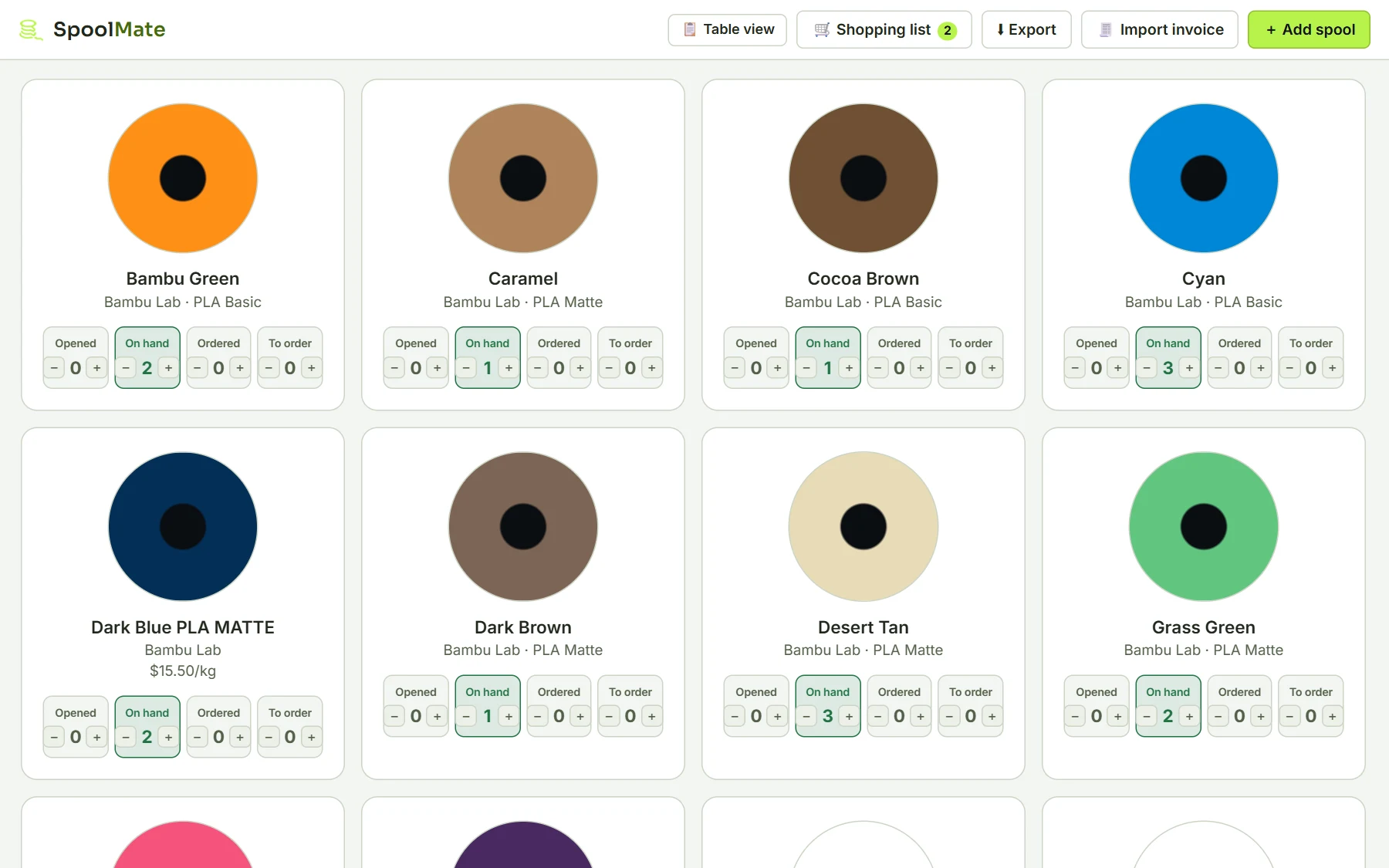
Track filament on hand, ordered and to order, by brand, type, colour, cost and weight. Import invoices from PDF or CSV, with a 3,000+ colour catalogue.
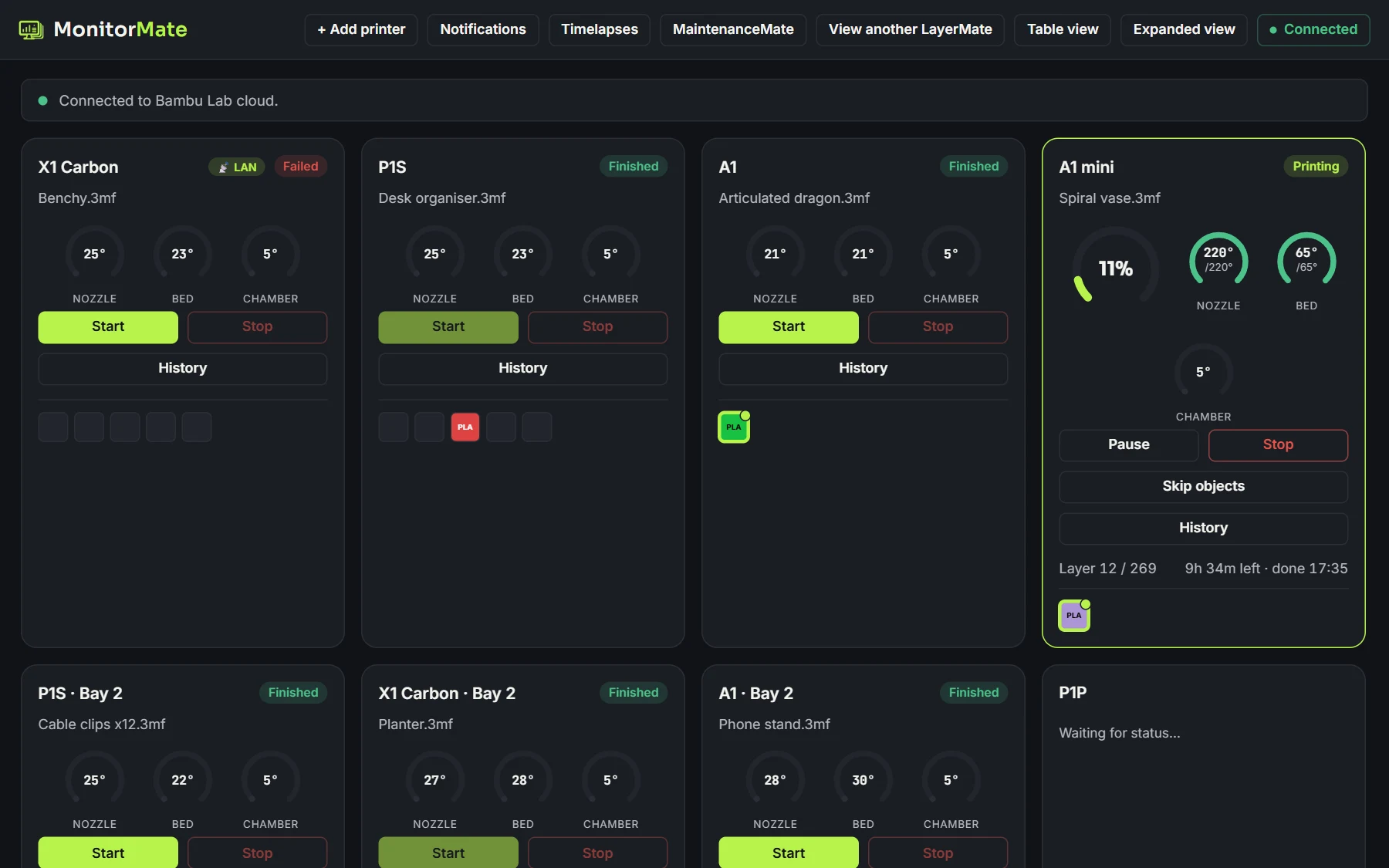
Live status for Bambu Lab, Snapmaker and OctoPrint printers, showing progress, temperatures and layer count.
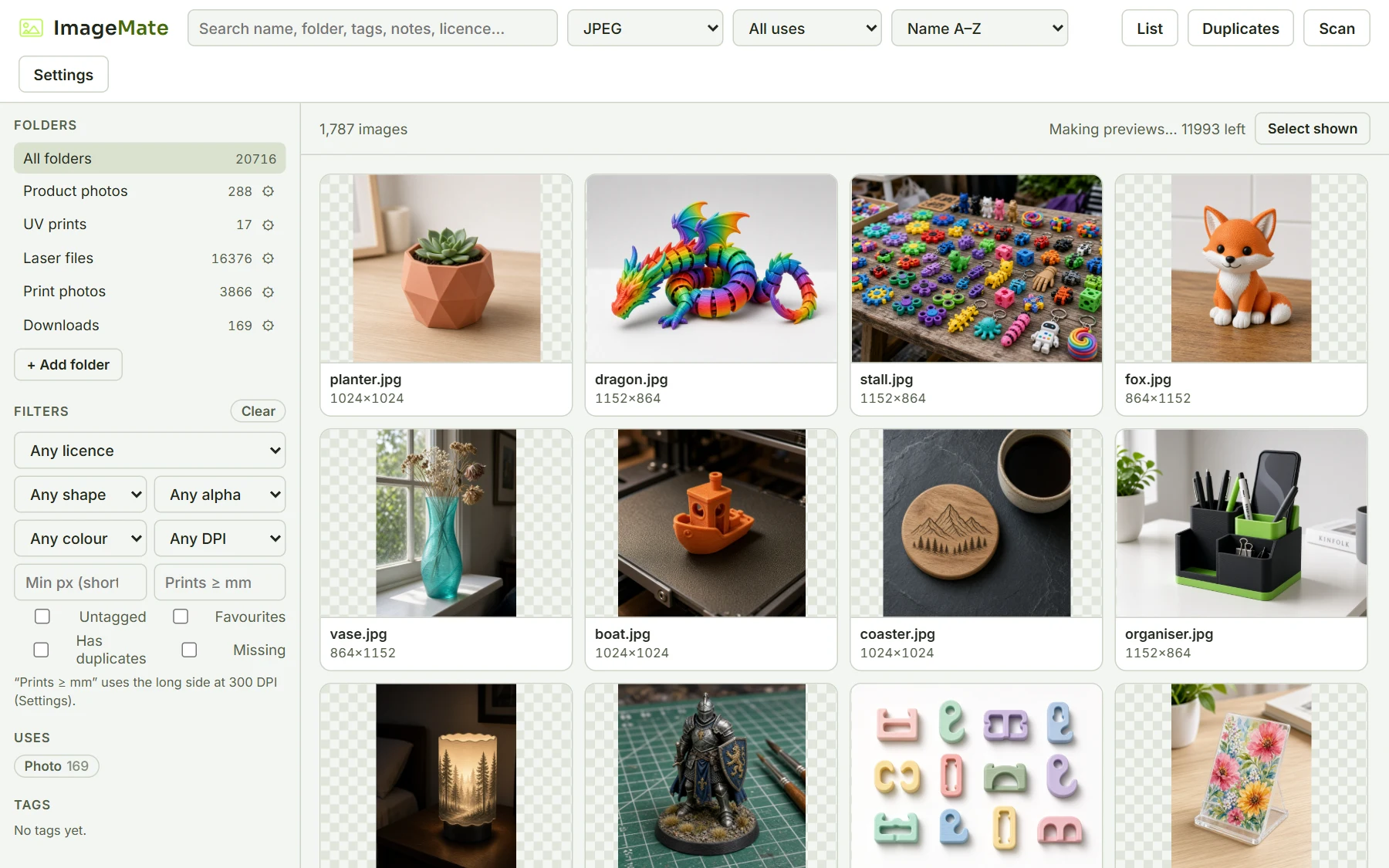
A library for photos and UV-print or laser files (SVG, DXF, PDF, EPS), with px, DPI and mm sizes, tags, licence notes and a duplicate finder.
More tools are in the works.
The trial version doesn't include add-ons.
No — your models never leave your computer. Scanning, thumbnails, and search all happen locally. The only network activity LayerMate initiates on its own is checking for app updates (and changelog notes) — once you've entered a licence key, those requests include the key so we can confirm you're entitled to updates.
No. When you pick a folder in the browser trial, your browser may show its own standard wording, like "Upload" or "upload files to this site?". That's just the browser's generic label for letting a web page read files you choose. The trial reads your files inside the tab, on your computer, to make the thumbnails. No file, file name or folder name is ever sent to our server or anywhere else, and it's all gone when you close the tab.
STL, OBJ, 3MF and G-code work out of the box, with real multi-plate 3MF support. STEP/STP is optional, turned on in Settings.
Yes. LayerMate reads inside .zip files, including nested zips, and shows the models it finds in your library.
The licence covers 2 computers — a laptop and a desktop, or a Mac and a PC, for example. Swapping to a new machine? Email support@layermate.app and we'll free up a slot.
No. One payment of $19.99, and every future update is included.
The full desktop app for 7 days, starting the first time the app activates your trial key. The trial version doesn't include add-ons. Get a trial key.
Yes — point it at any mapped network folder and it indexes it like a local one. See ConnectMate for reaching your library from other devices.
Not by default — it indexes files where they already live and leaves them alone. If you want, advanced settings can allow LayerMate to move or rename files for you. It still never uploads anything.
By the file's actual contents, not its filename — so renamed or re-downloaded copies still get caught.
Yes to both. Linux is an AppImage — see the guide for setup. Mac is signed and notarized by Apple, so it opens with no security warnings.
Email support@layermate.app — refunds aren't automatic, but every request gets a fair, individual review.
LayerMate is a desktop app for Windows and Mac. We'll email you the link.